
Desktop widgets that actually work
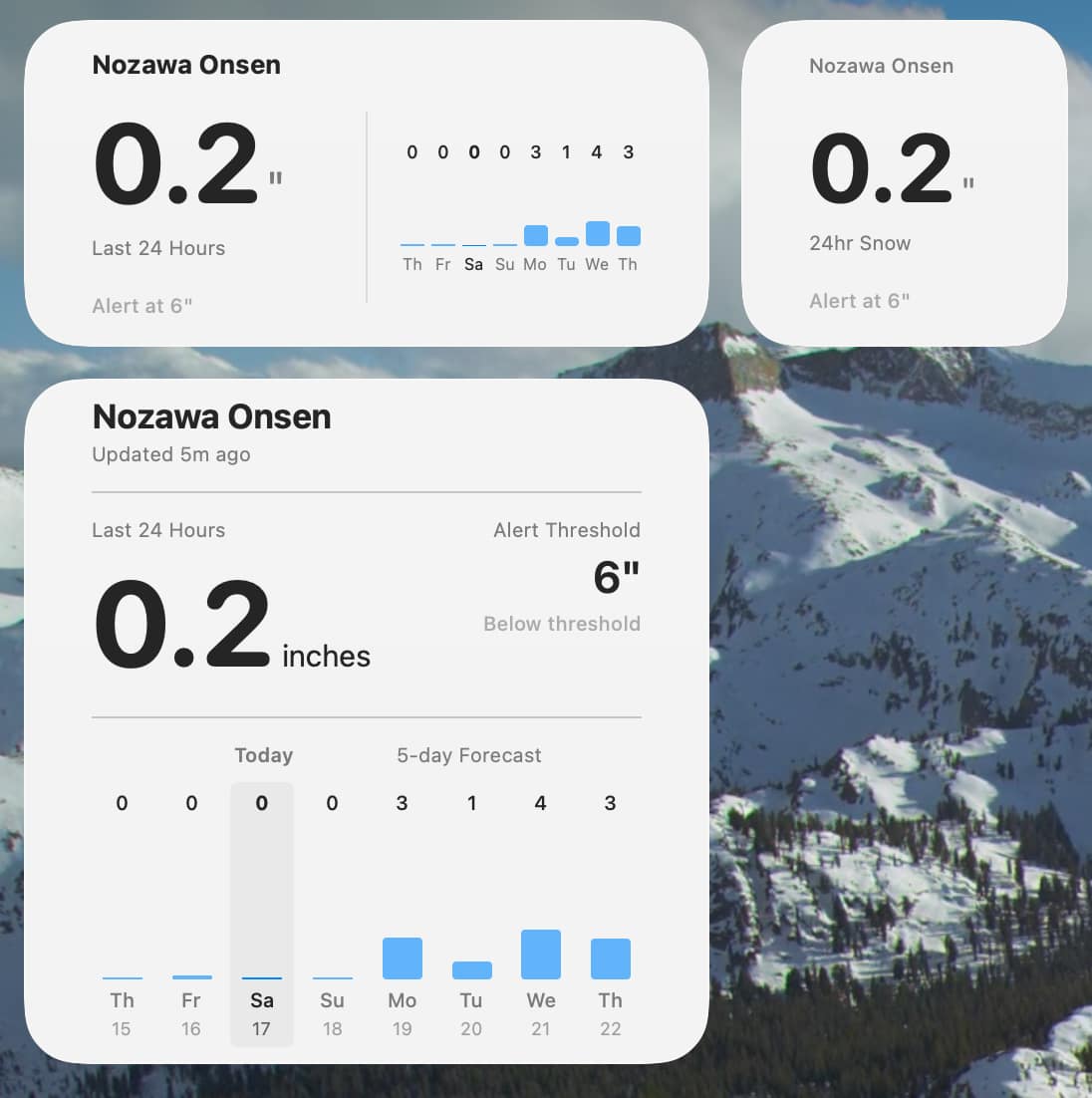
Three sizes: current 24-hour snowfall, a 5-day forecast chart, or a full 7-day view with two days of history. Glance at your desktop and know instantly if today is the day.

Never miss another powder day.
Requires macOS 14.0 or later
You live for fresh powder — but tracking it is a chore. Checking resort sites every morning, missing surprise overnight dumps, never quite knowing when a storm cycle is building. By the time a friend texts about the powder day, the fresh tracks are gone.
Powder Alert watches your favorite resort 24/7 and alerts you the moment snowfall crosses your personal threshold. Set your threshold. Get notified. Shred fresh powder.
Three sizes: current 24-hour snowfall, a 5-day forecast chart, or a full 7-day view with two days of history. Glance at your desktop and know instantly if today is the day.
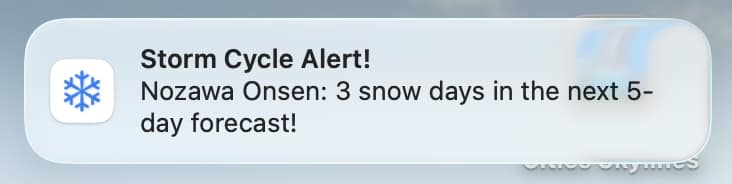
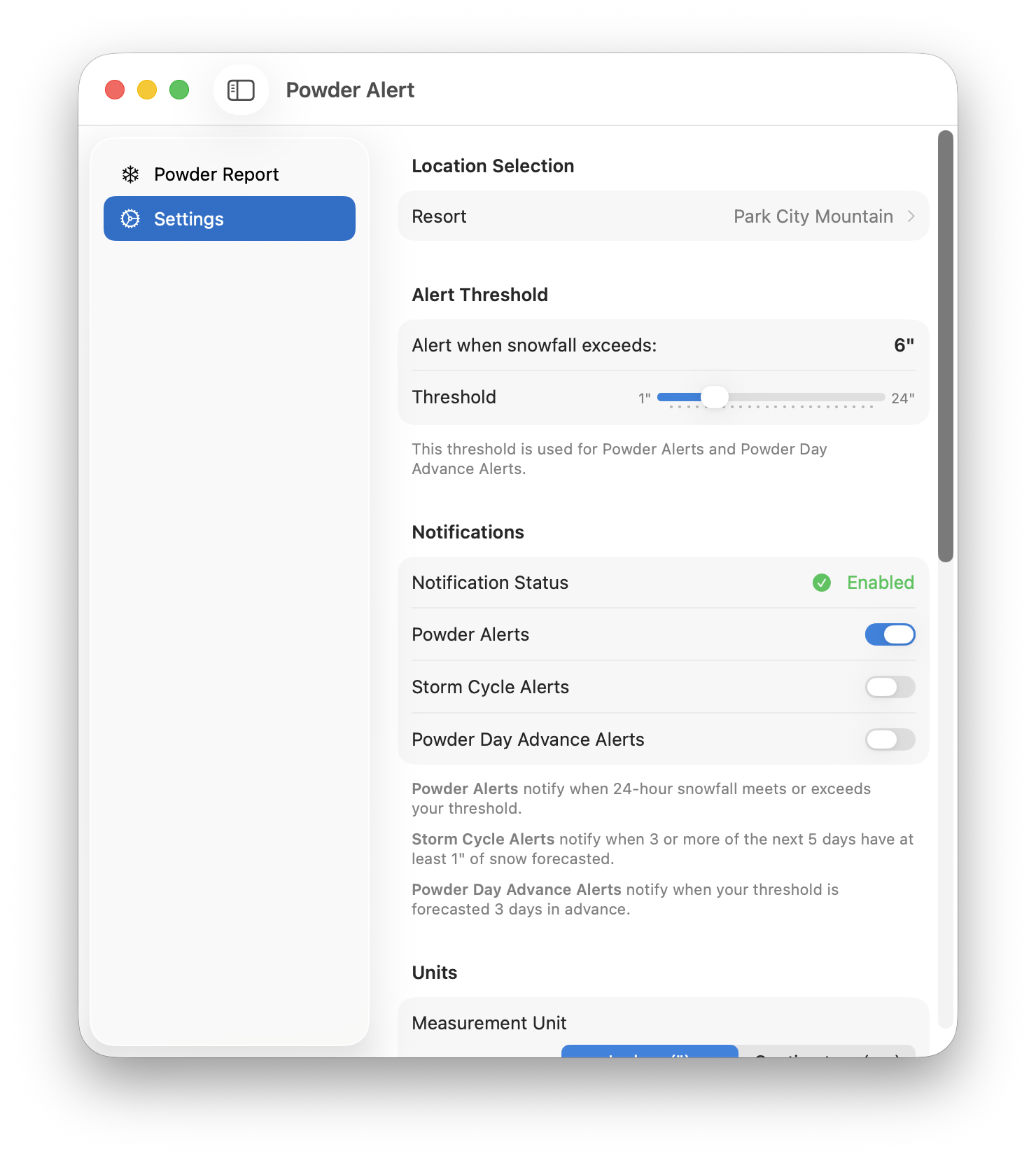
Powder Alerts when snowfall beats your threshold, Storm Cycle Alerts when 3+ of the next 5 days show snow, and Advance Powder Day Alerts days ahead — time to arrange coverage at work.
From the Wasatch to the Alps to the Japanese powder belt. North America, Europe, Japan, New Zealand, Australia, Chile and Argentina.
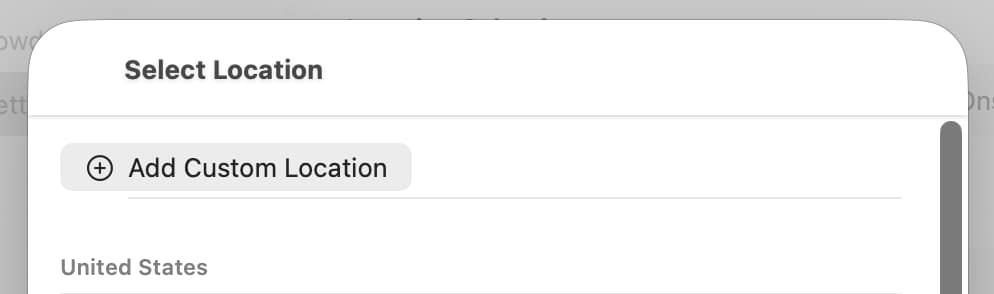
Secret stash not on the list? Drop a pin anywhere on the map and Powder Alert monitors those exact coordinates with the same precision as built-in resorts.
Lives quietly in your menu bar. The snowflake icon changes when powder is falling — a subtle signal that today might be the day.
Built in Swift for macOS 14+. No Electron, no account, no tracking. All data stays on your Mac. Set your daily check time and wake up to the alert, not the regret.

Powder Alert requires macOS 14 (Sonoma) or later.
No. There is no sign-up and no login. The app works entirely on your Mac.
From the Open-Meteo weather API. No API key or account is required, and the app fetches only the forecast data it needs.
Yes. All settings and cached data are stored locally on your Mac. There is no tracking and no analytics.
Yes. Drop a pin anywhere on the map to monitor any coordinates you choose.
Your choice — switch units in settings. Thresholds range from 1 to 24 inches.
Enable “Open at Login” and set your daily check time. Powder Alert schedules a daily fetch and catches up after your Mac wakes.